USS HADDO (SS 255)
Cold War Boats Association needs your help!
Photographs of the USS HADDO (SS 255) and a volunteer Site Lead, no website experience necessary.
See details in "Bear A Hand" article below.
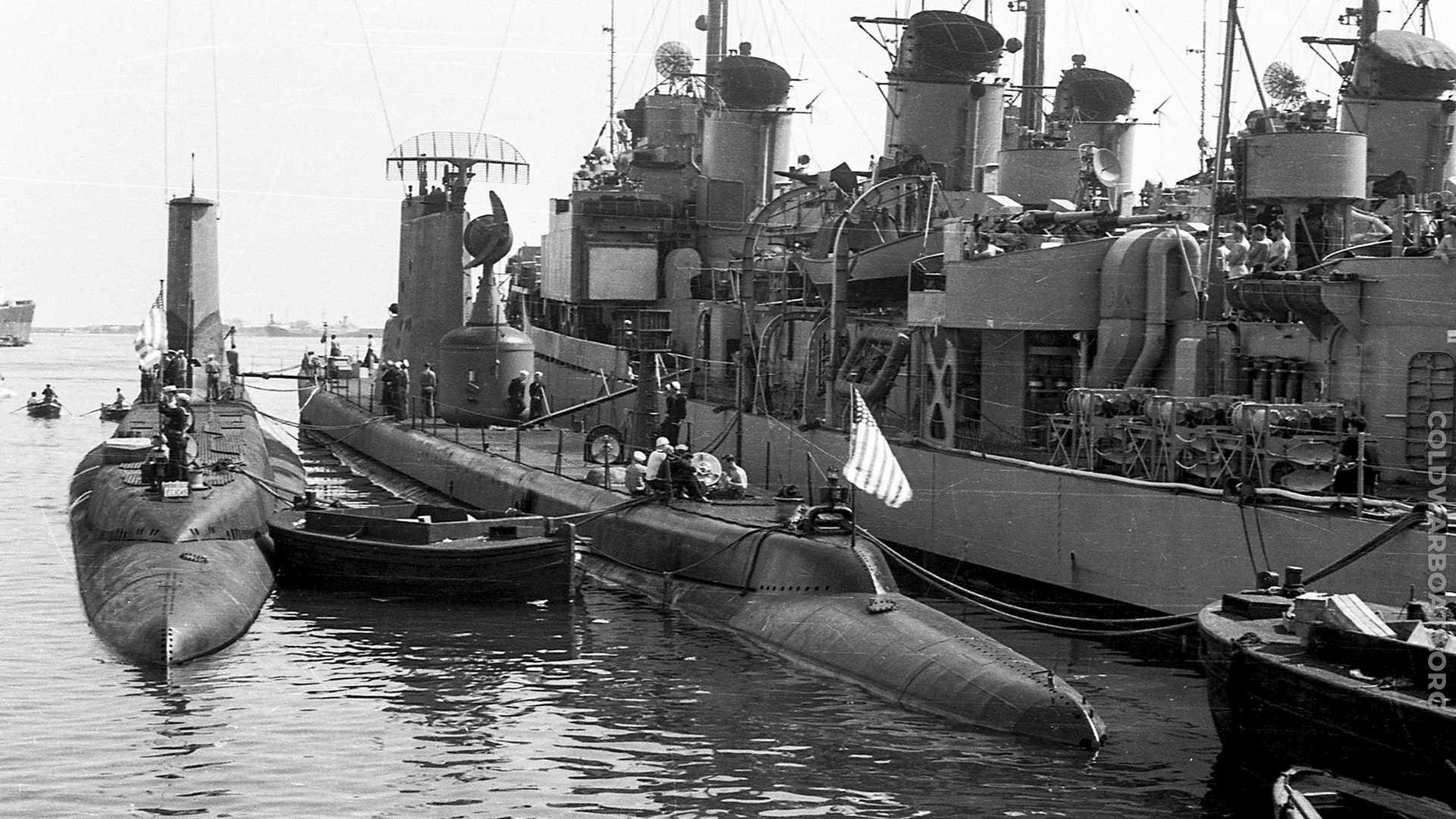
~ USS RAY (SS 271) l. and USS TIRANTE (SS 420) r.~ (US Navy Official Photograph)
USS HADDO (SS 255)
Cold War Boats Association needs your help!
Photographs of the USS HADDO (SS 255) and a volunteer Site Lead, no website experience necessary.
See details in "Bear A Hand" article below.
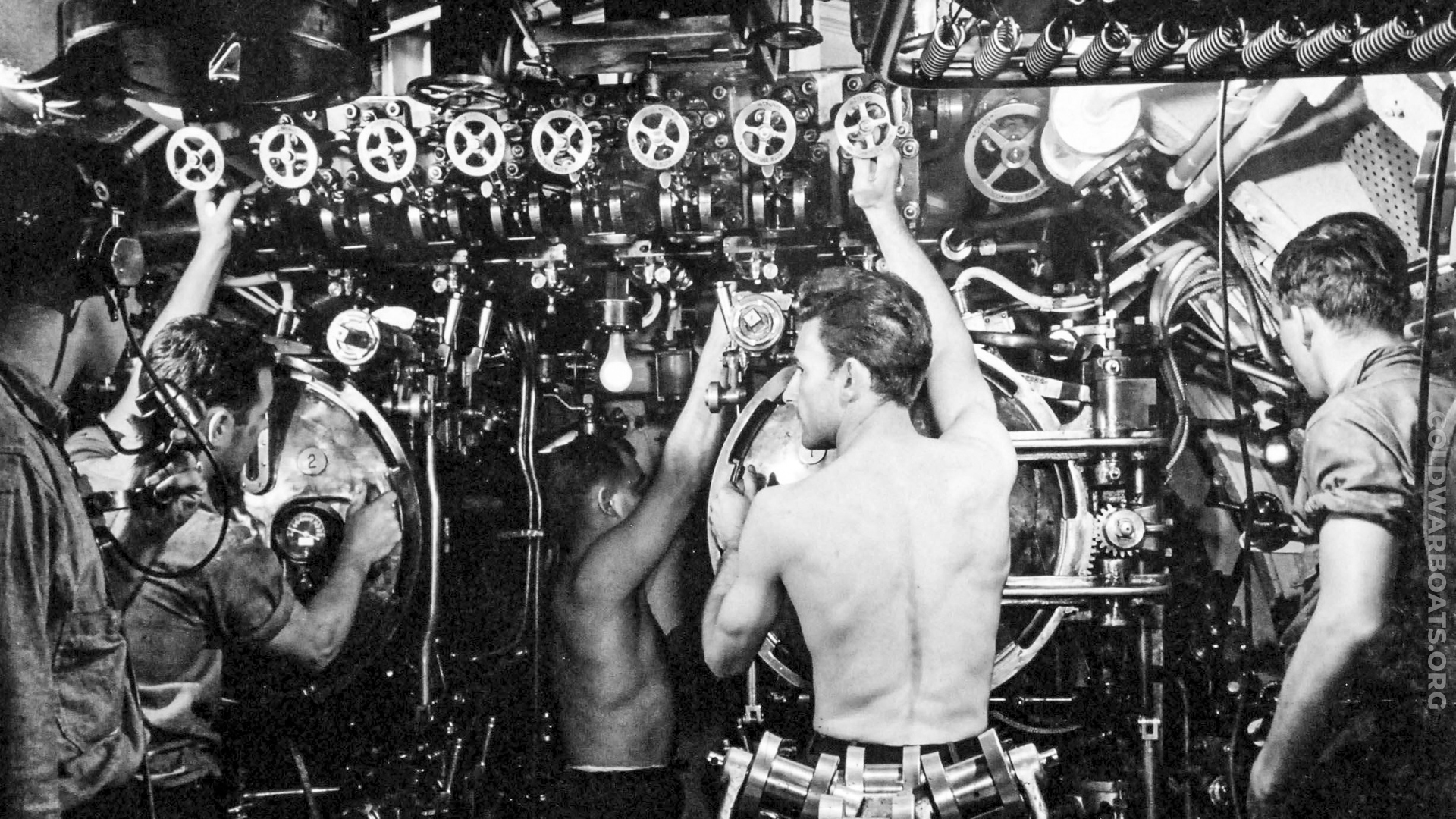
~ USS CERO (SS 225) ~ (US Navy Official Photograph)
USS HADDO (SS 255)
Cold War Boats Association needs your help!
Photographs of the USS HADDO (SS 255) and a volunteer Site Lead, no website experience necessary.
See details in "Bear A Hand" article below.
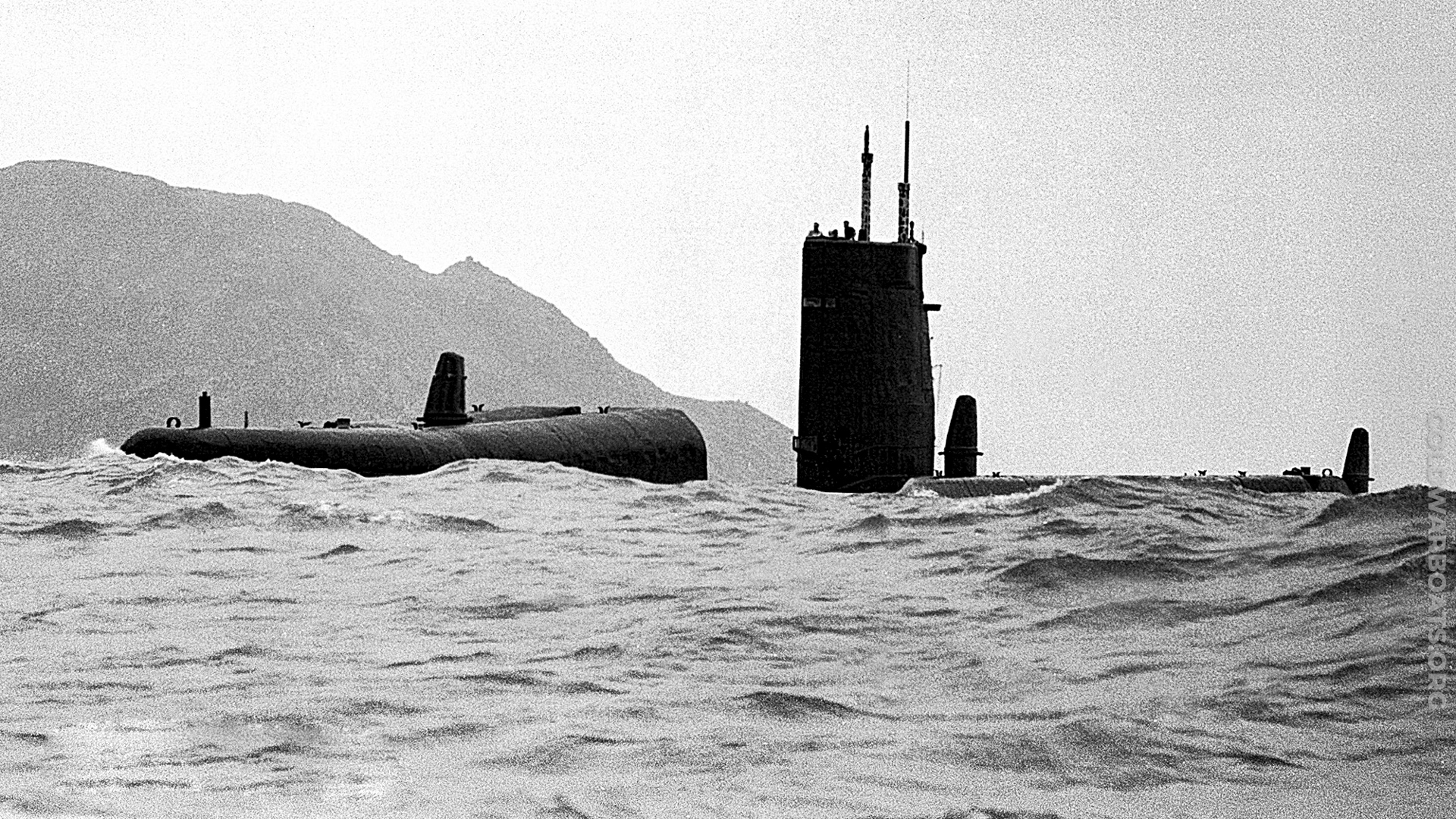
~ USS GRAYBACK (SS/SSG/APSS/LPSS 574) ~ (US Navy Official Photograph)
USS HADDO (SS 255)
Cold War Boats Association needs your help!
Photographs of the USS HADDO (SS 255) and a volunteer Site Lead, no website experience necessary.
See details in "Bear A Hand" article below.
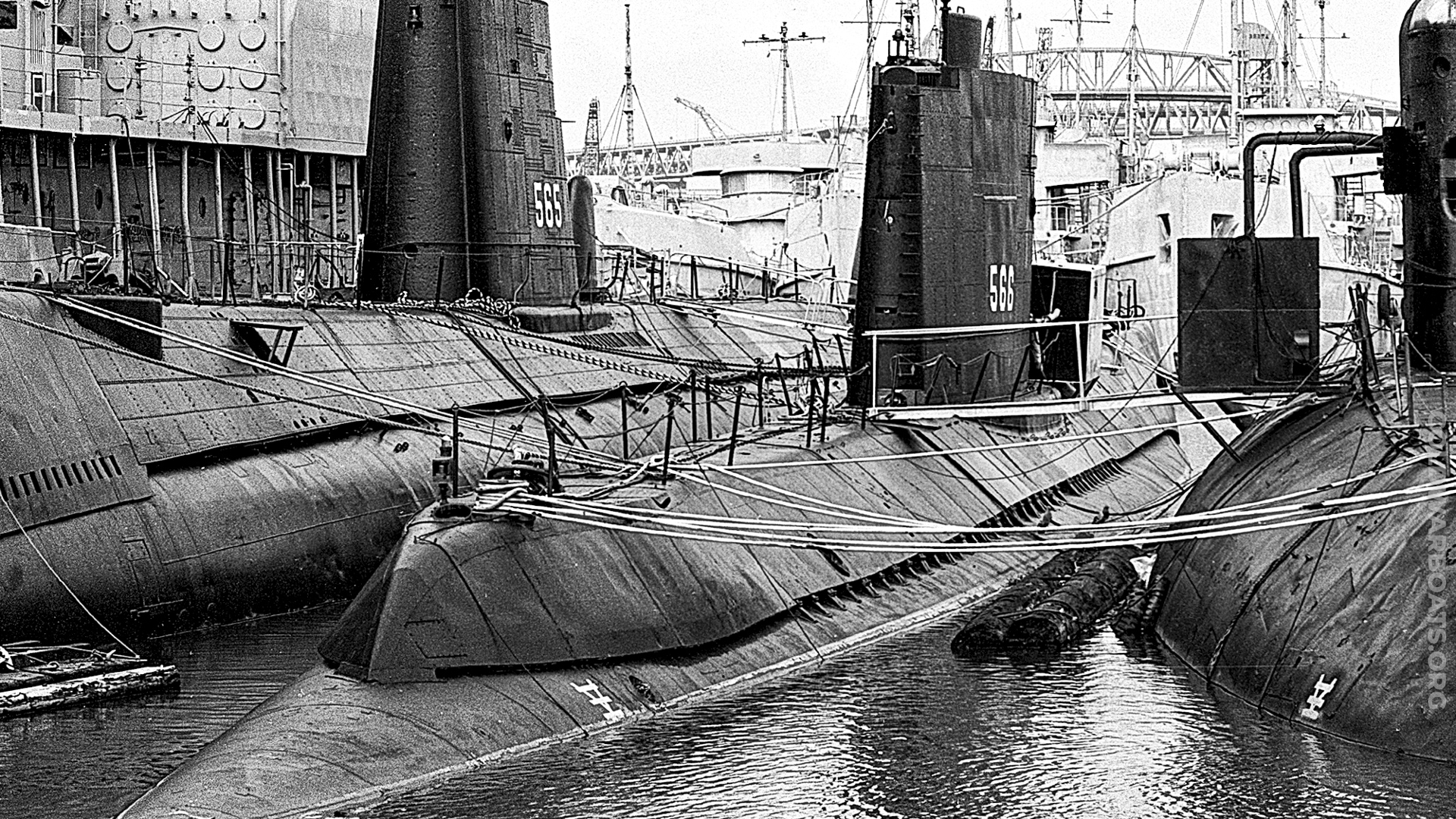
~ USS WAHOO (SS 565) l. and USS TROUT (SS 566) r. ~ (US Navy Official Photograph)
USS HADDO (SS 255)
Cold War Boats Association needs your help!
Photographs of the USS HADDO (SS 255) and a volunteer Site Lead, no website experience necessary.
See details in "Bear A Hand" article below.
~ USS GRAYBACK (SS/SSG/APSS/LPSS 574) ~ (US Navy Official Photograph)
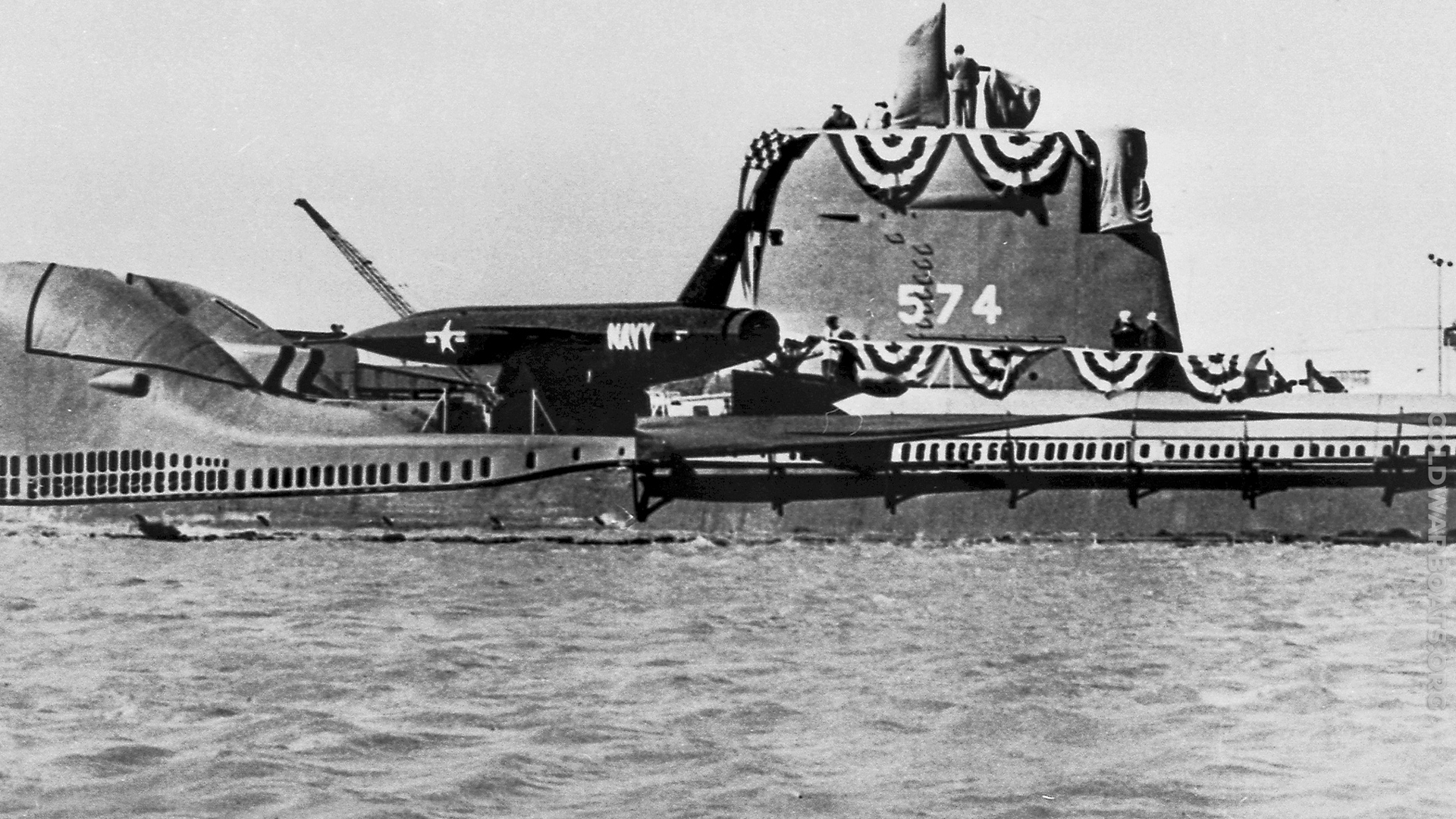
USS HADDO (SS 255)
Cold War Boats Association needs your help!
Photographs of the USS HADDO (SS 255) and a volunteer Site Lead, no website experience necessary.
See details in "Bear A Hand" article below.
~ USS GRENADIER (SS 525) ~ (US Navy Official Photograph)
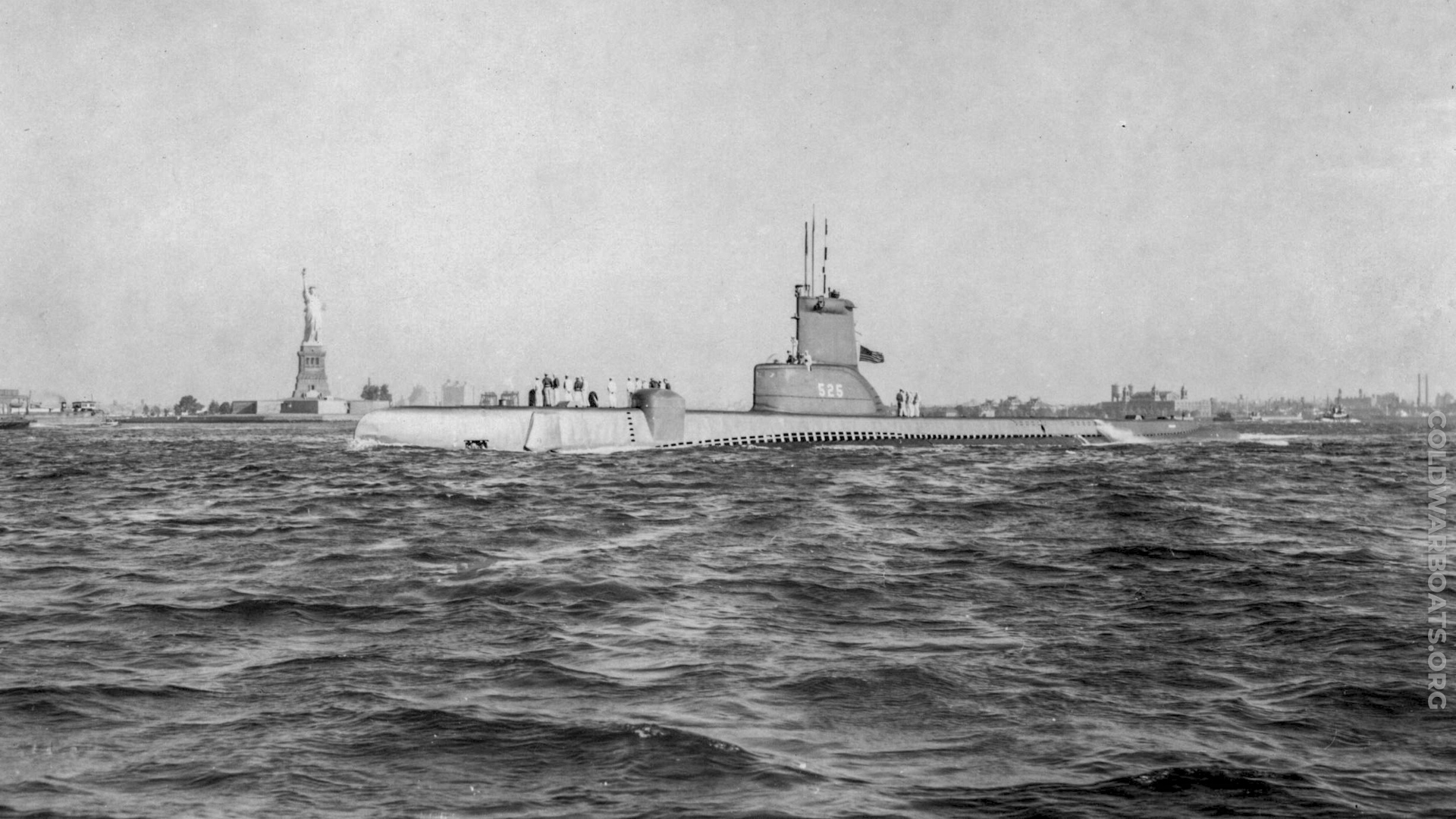
USS HADDO (SS 255)
Cold War Boats Association needs your help!
Photographs of the USS HADDO (SS 255) and a volunteer Site Lead, no website experience necessary.
See details in "Bear A Hand" article below.
~ USS GATO (SS 212) ~ (US Navy Official Photograph)
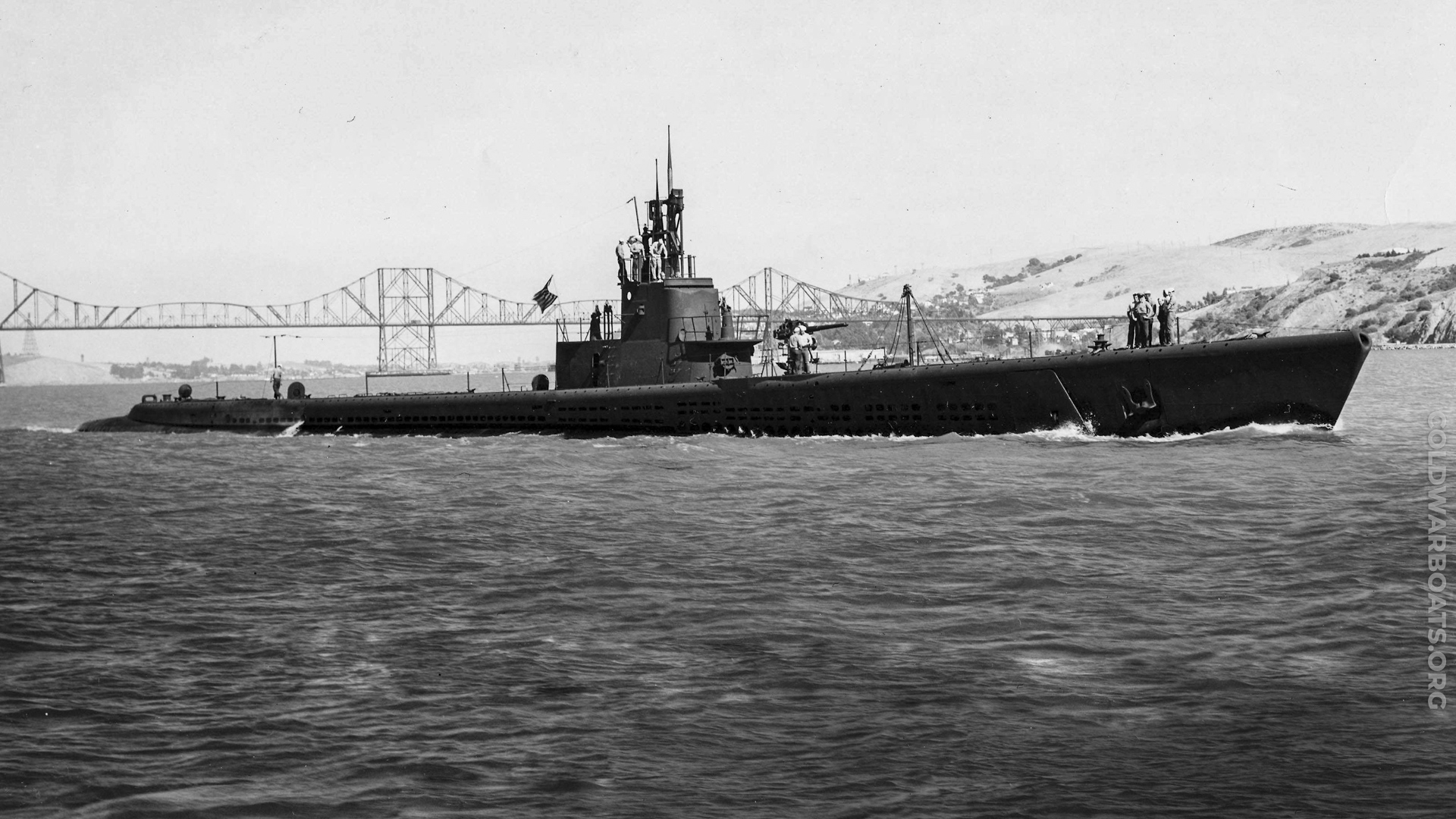
USS HADDO (SS 255)
Cold War Boats Association needs your help!
Photographs of the USS HADDO (SS 255) and a volunteer Site Lead, no website experience necessary.
See details in "Bear A Hand" article below.
~ USS BALAO (SS 285) ~ (US Navy Official Photograph)
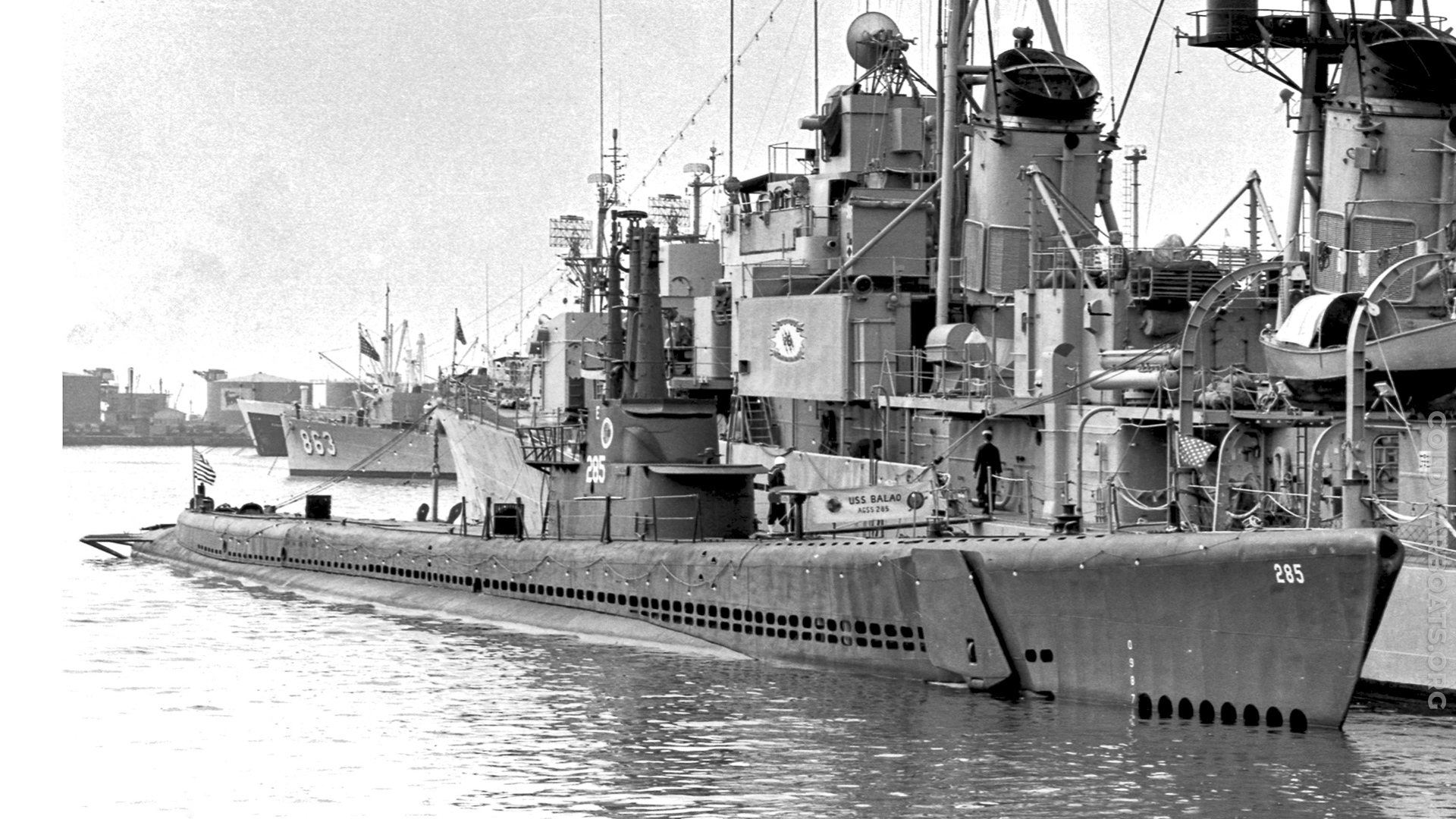
USS HADDO (SS 255)
Cold War Boats Association needs your help!
Photographs of the USS HADDO (SS 255) and a volunteer Site Lead, no website experience necessary.
See details in "Bear A Hand" article below.
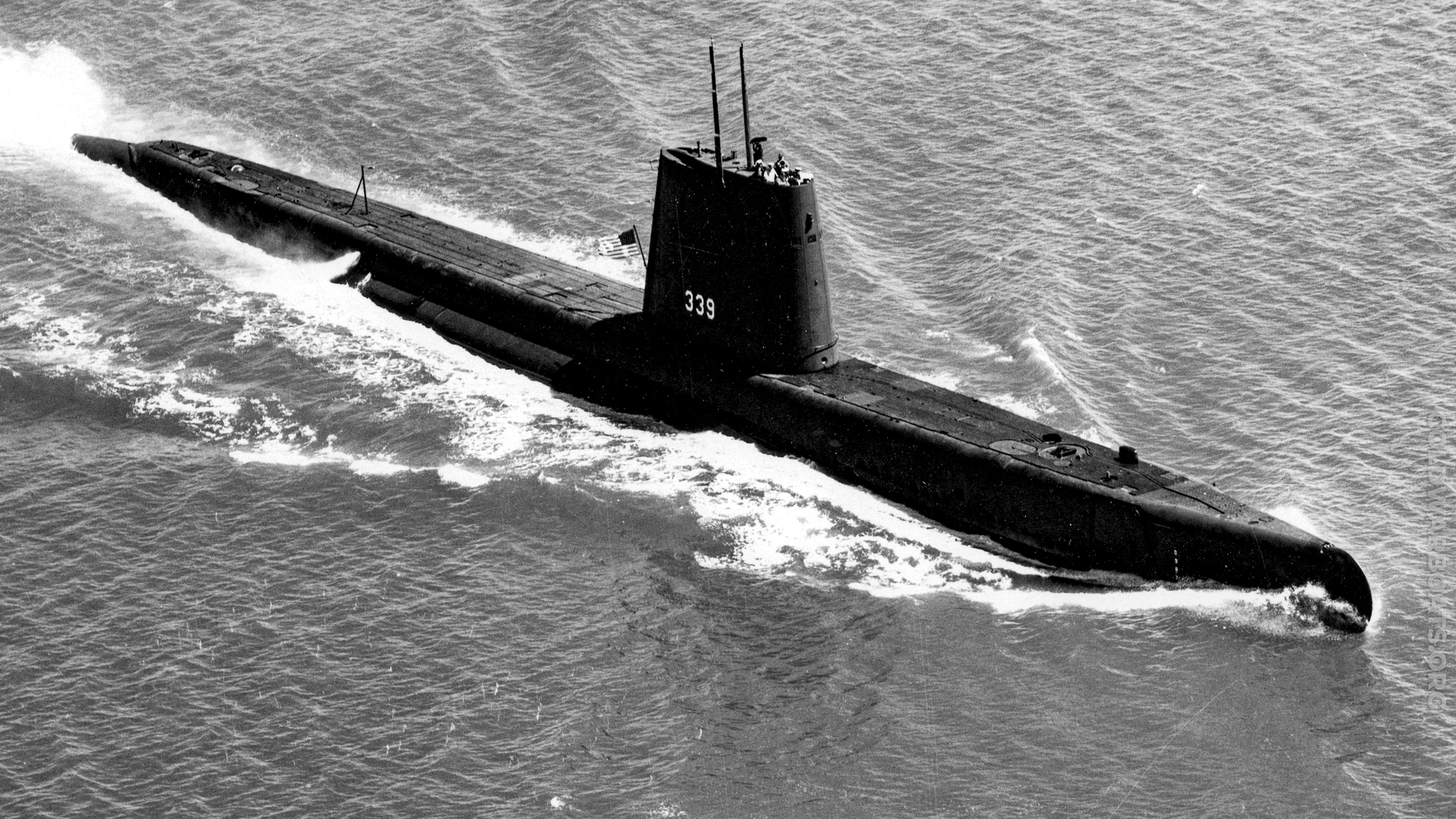
~ USS CATFISH (SS 339) ~ (US Navy Official Photograph)
USS HADDO (SS 255)
Cold War Boats Association needs your help!
Photographs of the USS HADDO (SS 255) and a volunteer Site Lead, no website experience necessary.
See details in "Bear A Hand" article below.
~ USS CERO (SS 225) ~ (US Navy Official Photograph)

USS HADDO (SS 255)
Cold War Boats Association needs your help!
Photographs of the USS HADDO (SS 255) and a volunteer Site Lead, no website experience necessary.
See details in "Bear A Hand" article below.
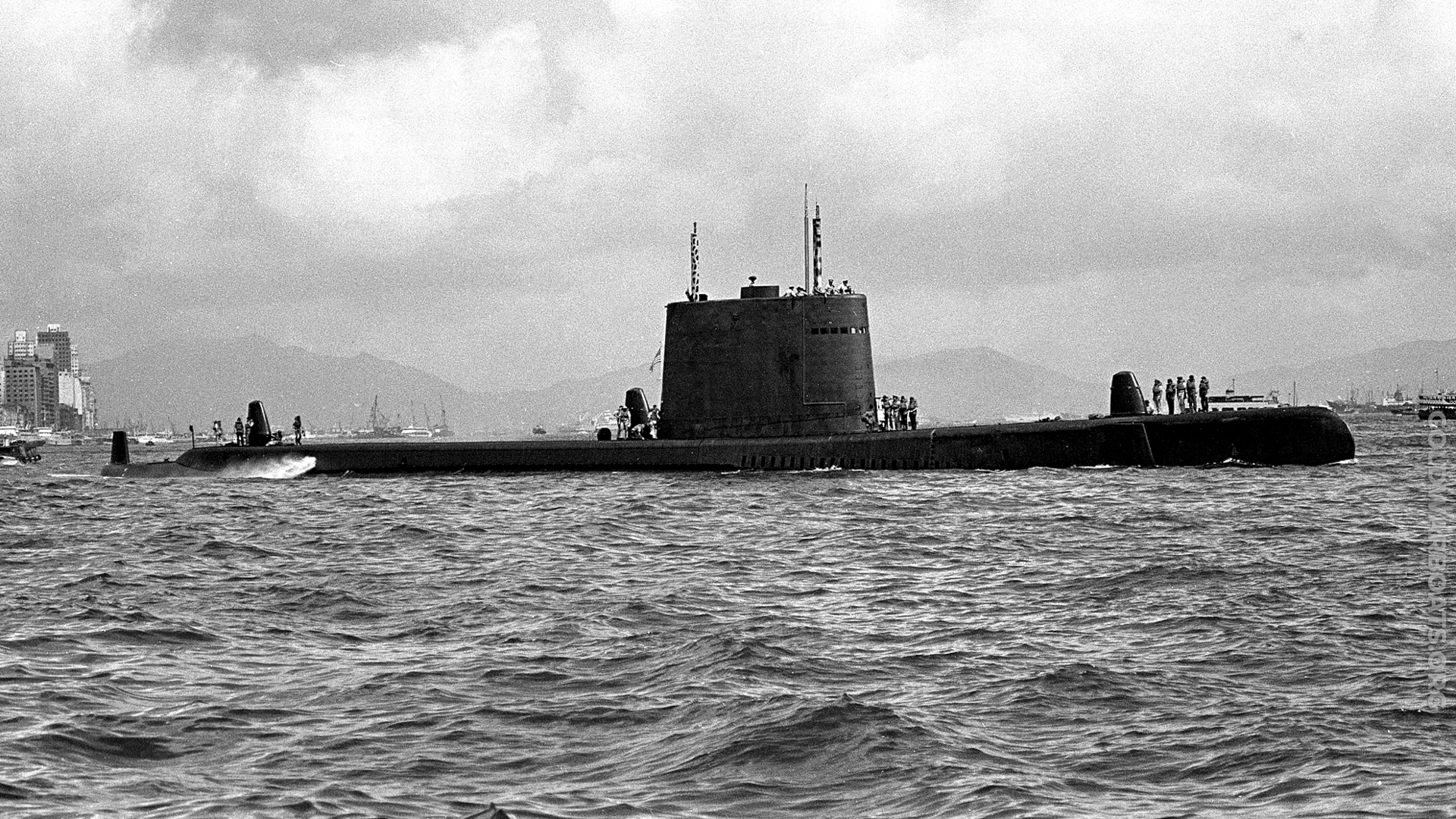
~ USS SAILFISH (SS 572) ~ (US Navy Official Photograph)
USS HADDO (SS 255)
Cold War Boats Association needs your help!
Photographs of the USS HADDO (SS 255) and a volunteer Site Lead, no website experience necessary.
See details in "Bear A Hand" article below.
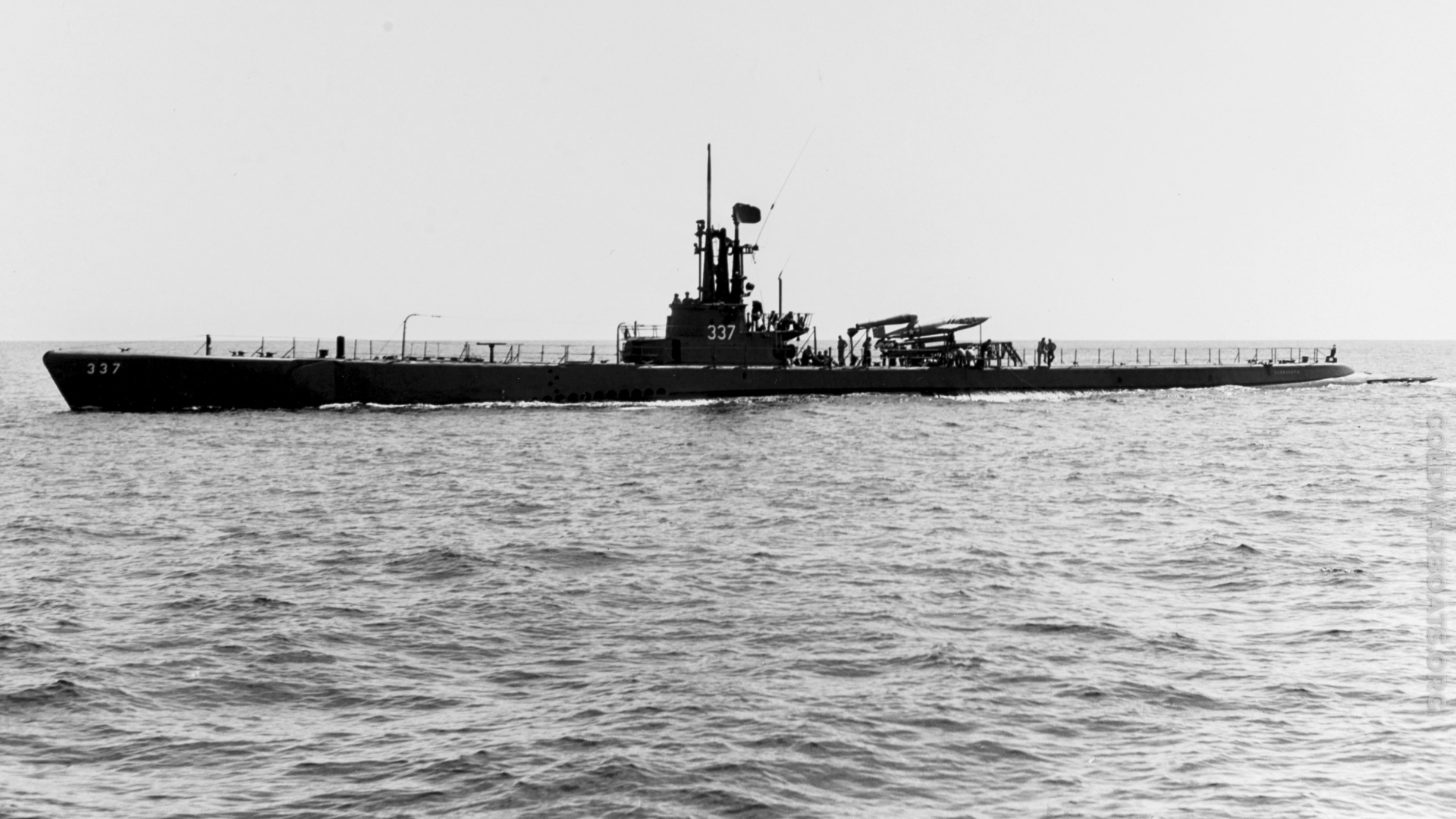
~ USS CARBONERO (SS 337) ~ (US Navy Official Photograph)







Editing Your Phone Number
OK - if you are having problems updating your phone numbers.First, we are part way through the process of making all of your profile info editable without having to 'EDIT' your user profile. In those cases, you will see a small pencil icon when you mouse over an editable field, and clicking on the pencil will let you edit that field and that field only.
Second, if a particular field is blank, in won't necessary be visible when your profile appears - it's just missing because it's blank. To edit these field, i.e. add a phone number, you must EDIT your profile, which is different than editing a single field.
To EDIT your profile, click on your name anywhere it appears, like under Current Watchsection, or click Your Profile under the Watch, Quarter and Station Bill in the starboard column. When your profile appears locate your name at the top port side of your profile.
Under your name it will have an EDIT menu, with a submenu UPDATE USER PROFILE - click this. This will open the full EDIT mode of your profile - only you and admins can do this to your profile. You are now in the EDIT mode, which allows you edit any field (no pop-up pencil) INCLUDING the BLANK ones.
This should do it for you - let me know if it doesn't work - that will give me something else to work on!
PHONE NUMBERS FIXED
Thanks for all your feedback - i have, I think, fixed the issue that prevented you from updating your phone numbers.Commence updating!
Phone # update
Brad - went to my profile, tried to update phone # - no joy. I can PM my # to you, or let me know if there is still an issue. Would also like to ensure my home address is correct but it won't let me either see it or update it. Janell and I will be at the reunion next year...MJW
No Home Phone
Brad,If you have a home phone number for me, delete it! I only have the cell # which has remained the same 619 818-0170!
No Home Phone
Done! Deleted home phone number, confirmed mobile.Phone numbers
I was unable to edit my phone number in my profile, there is no box to enter itPhone numbers
I couldn’t edit the phone number in my profile. I don’t know what if any number you have, but I didn’t receive any texts from the site.You don`t have permission to comment here!
Subscribe
Report
My comments